

Overview
You can generate an up-to-date EUDR compliance report for your suppliers and their articles at any time. These reports document the due diligence you have performed. We therefore recommend generating reports only after the analysis is complete and any potential risks have been mitigated.Generating a Report
Reports can be created at two levels:Supplier Report
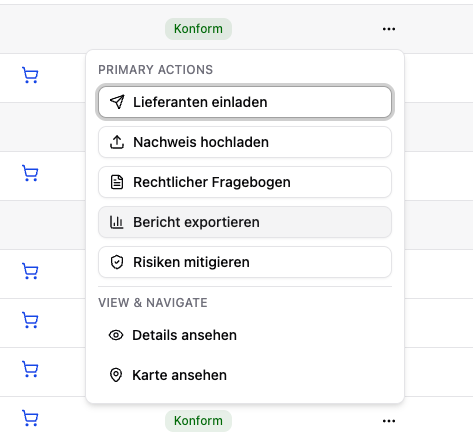
Article Report
Report Contents
The generated reports contain:- Your general information (company name, EORI, etc.)
- Compliance status (geo and legal) of the articles
- Analyzed areas with satellite analysis results
- Uploaded evidence documents
- Questionnaire results (legal compliance)
- Risk indicators and mitigation measures
- Complete analysis result
The generated reports serve as proof to national authorities (e.g. the BLE in Germany) that you have fulfilled your due diligence in accordance with EUDR requirements.
The reports you generate are therefore also securely retained in our system for 5 years.