

Overview
To link compliance results to actual shipments, you must import your orders into Polygon One. Each order captures the supplier, the articles, and the quantities.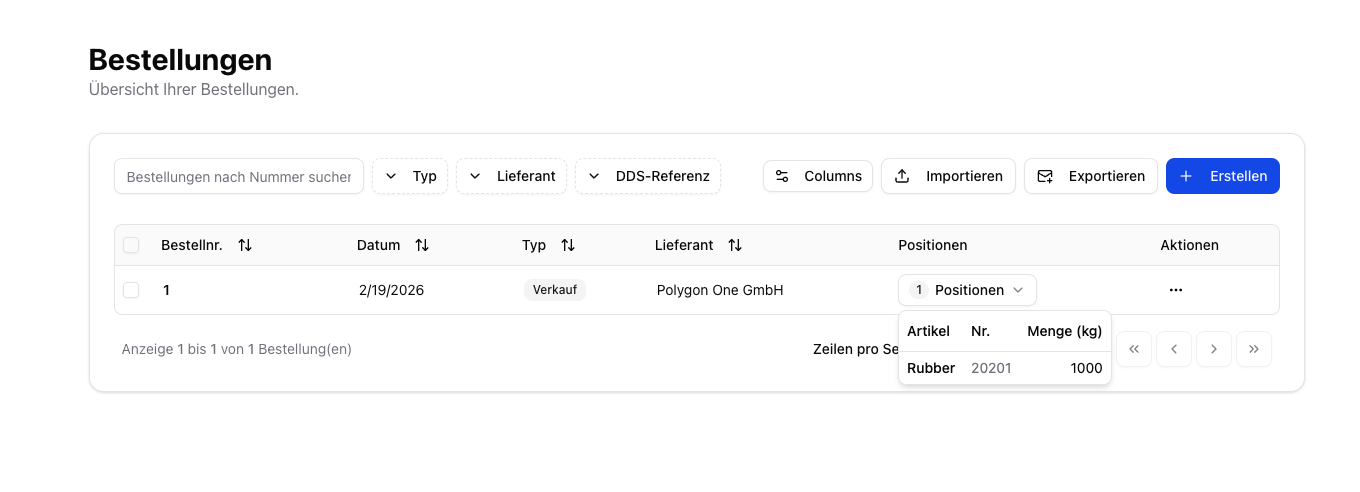
Purchase vs. Sale
Polygon One distinguishes between two order types:
- Purchase — Inbound goods from your suppliers
- Sale — Outbound goods to your customers (sales orders)
Import Methods
- CSV Import
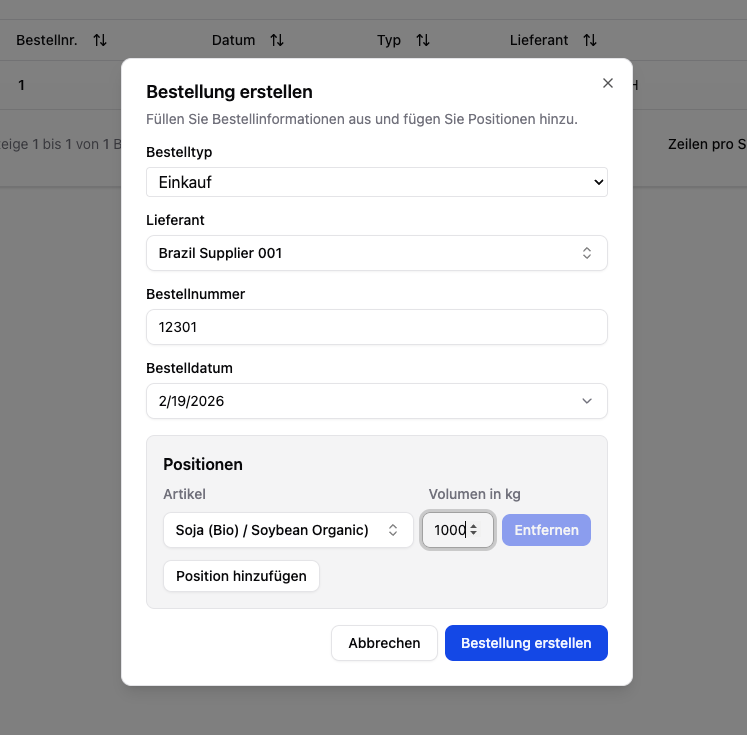
- Manual Creation
- REST API
Ideal for processing large volumes of data.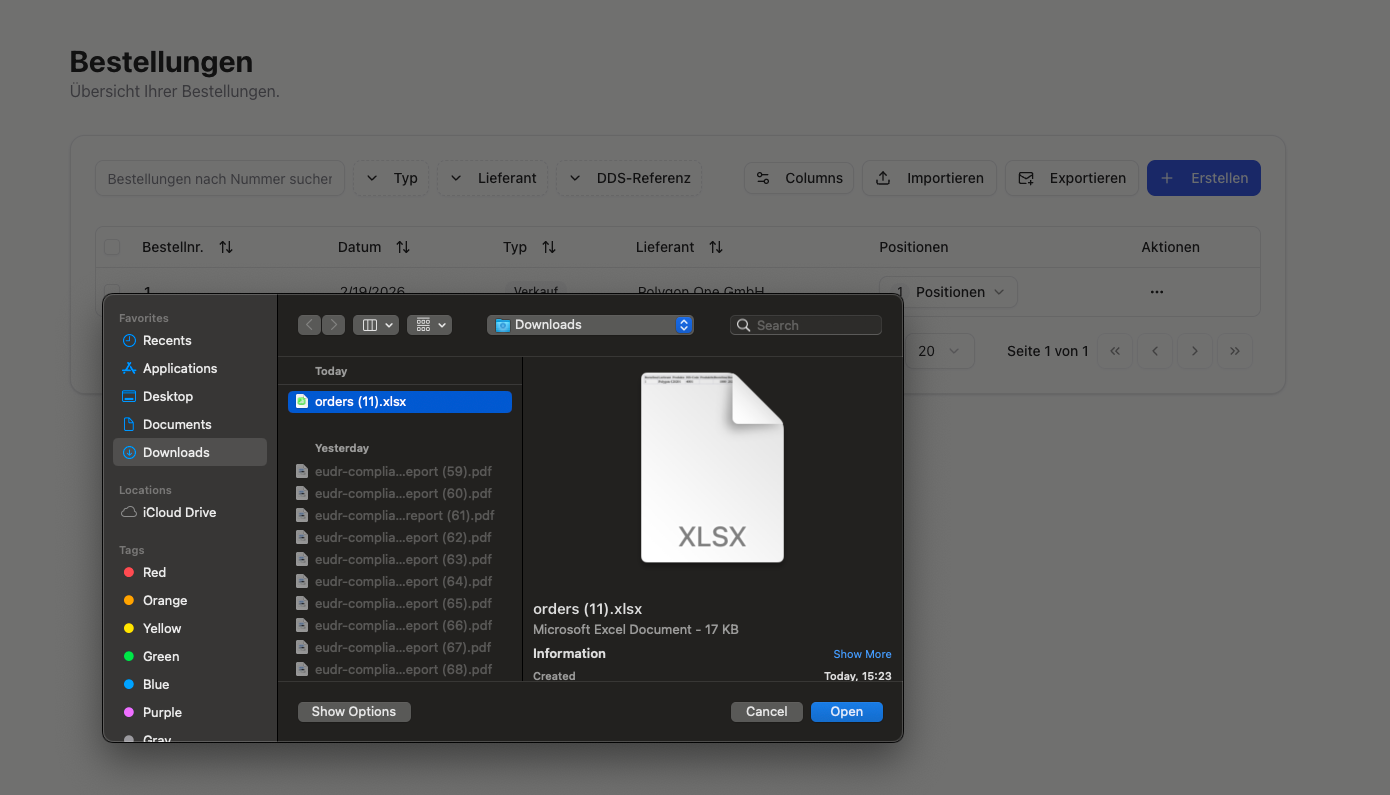
- Navigate to the Orders area.
- Click Import and upload your CSV file.
- Confirm the import.
CSV Fields
| Field | Required | Description |
|---|---|---|
| Order number | Yes | Unique order number |
| Order type | Yes | purchase or sale |
| Supplier | Yes | Supplier name |
| Article number | Yes | Internal article number |
| Quantity | No* | Order quantity (in kg). *Optional if a piece count is provided |
| Piece count | No* | Alternative to quantity — automatically converted to kg via the configured “weight per piece” |
| Order date | No | Date of the order |
| External supplier ID | No | Takes precedence over the supplier name during matching |
| Supplier email | No | Supplements automatically created suppliers |
| Supplier country | No | Supplements automatically created suppliers |
| Supplier address | No | Supplements automatically created suppliers |
| HS code | No | Required to create an article if the article does not yet exist |
| Volume (m³) | No | Supplementary unit for Annex I articles — passed to TRACES for import/export DDS |
| DDS reference number | No | External DDS reference (for passing through upstream DDS) |
| DDS verification number | No | External DDS verification number |
During order import, suppliers and articles can be created automatically if they do not yet exist. The system matches by name or external ID.
Configure Column Mapping
Under Settings → CSV Imports → Orders, you can permanently map your own column names to the Polygon One fields. This way, you do not have to redo the mapping for every import.EUDR Relevance
The system uses the HS codes of the articles in your orders to automatically determine whether an order is EUDR-relevant.Only orders with EUDR-relevant articles appear in the DDS assignment filters.