

Overview
Through the evidence upload, you upload the required compliance evidence for your EUDR-relevant articles. Polygon One automatically analyzes uploaded documents with AI and classifies them accordingly.Uploading Documents
Supported Formats
- PDF documents
- Images (PNG, JPEG, TIFF)
- Text files
- CSV
- GeoJSON (for geodata)
- Maximum file size: 10 MB
Examples of Accepted Documents
- FLEGT licenses
- FSC/PEFC/ISCC/Rainforest Alliance certificates
- Land ownership titles and usage rights
- Harvesting permits and environmental approvals
- Customs declarations
Uploading Evidence
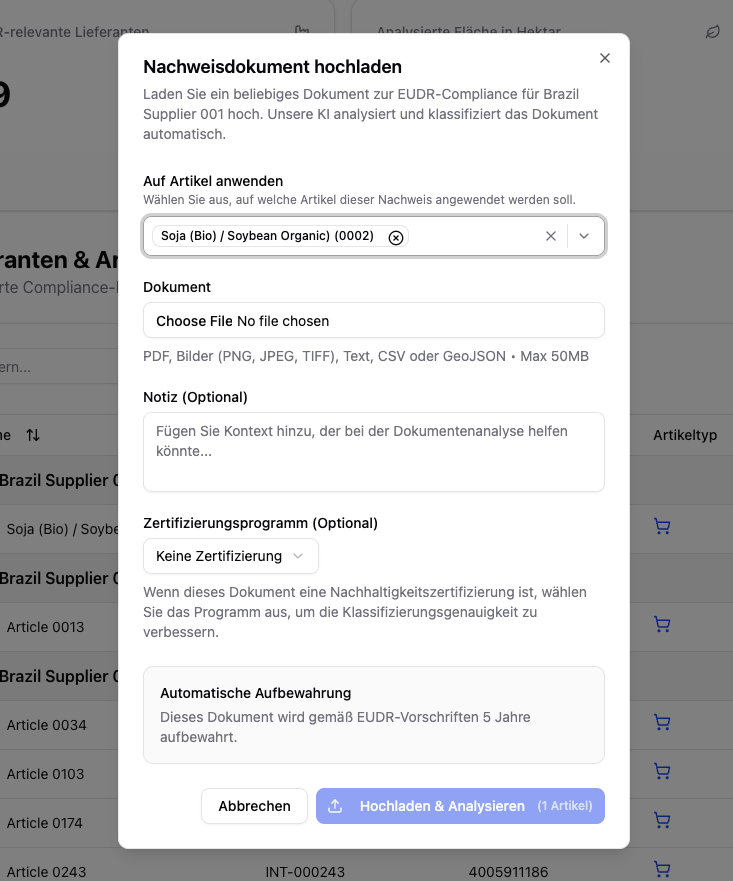
Certification program (optional)
If the document is a sustainability certification, select the certification scheme (e.g. FSC, PEFC, RSPO). This improves classification accuracy.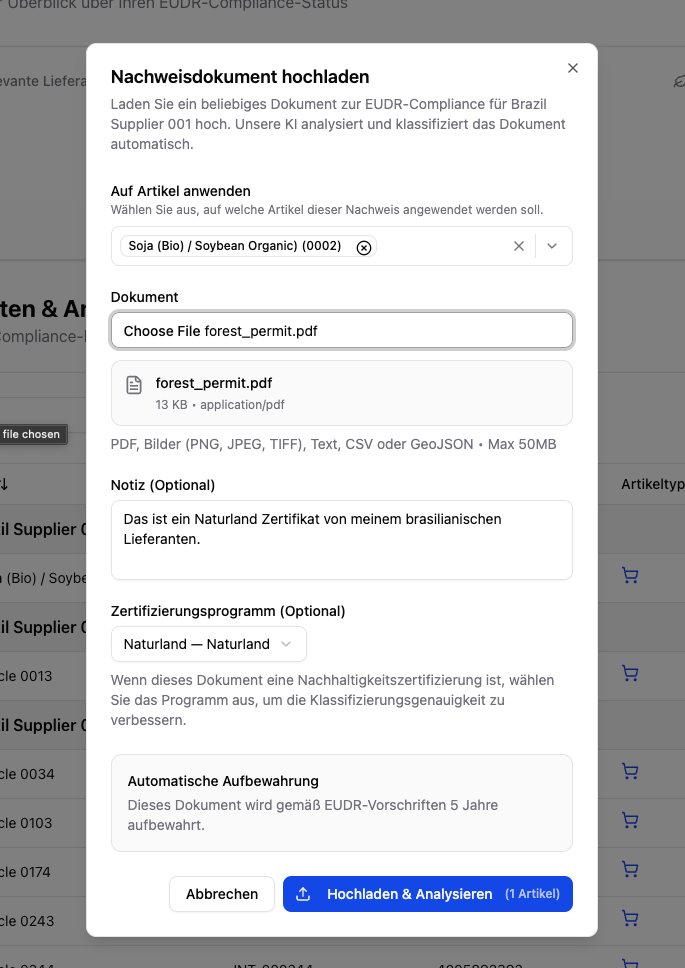
Add a note (optional)
Add context that could help with the document analysis (e.g. “Certificate of origin for shipment #12345”).
Uploaded documents are automatically retained for 5 years in accordance with EUDR regulations.
Certifications
When you upload a sustainability certification (e.g. FSC, PEFC, ISCC), Polygon One automatically analyzes which legal compliance categories are covered by the certificate:- Land use rights
- Environmental protection
- Forestry regulations
- Third-party rights
- Labor and human rights
- Taxes, trade, and customs
- Anti-corruption
Certificate Register Check (FSC/PEFC)
When you upload an FSC or PEFC certificate, Polygon One automatically checks the license against the official register and shows the result as a read-only badge — everywhere the certificate appears (document list, detail view, upload dialog, supplier portal).| Badge | Meaning |
|---|---|
| Confirmed in register | The license is valid in the register and the holder matches. |
| Holder name differs | The license is valid, but the registered holder differs — manual review recommended. |
| License invalid / expired / not in register | The register does not confirm the license as valid — manual review required. |
| Live check unavailable | The live check could not be completed; the pattern check was applied instead. |
The register check is purely informational: it does not trigger any action and does not affect the compliance status. It runs in the background; the badge always shows the most recently stored result.
Capturing Geodata
Geodata (production locations) are a central component of EUDR compliance. You can provide geodata in several ways:Drawing Geodata on the Map
Draw the area
Click “Draw area” and mark the corner points of your production area on the map. Press Escape to cancel drawing.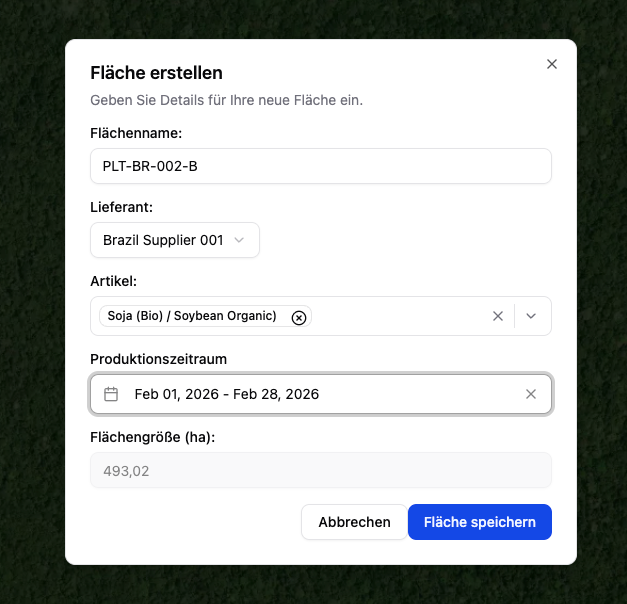
Enter the details
Enter the area name, supplier, article, the scientific name if applicable (required for wood), and the production period.
Importing Geodata
Alternatively, you can import geodata as a file. To do so, click the upload icon at the top left.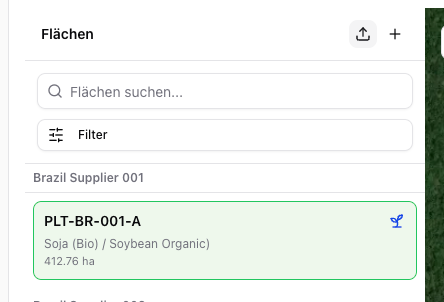
- GeoJSON — upload directly
- CSV/XLSX with WKT geometry — via the import function under Settings → CSV Imports → Areas