

Overview
The Supply Chain Overview page provides a visual overview of your entire supply chain, including all suppliers and their compliance status. It is particularly useful for quickly identifying blocking suppliers, open update requests, and traceability gaps.Views
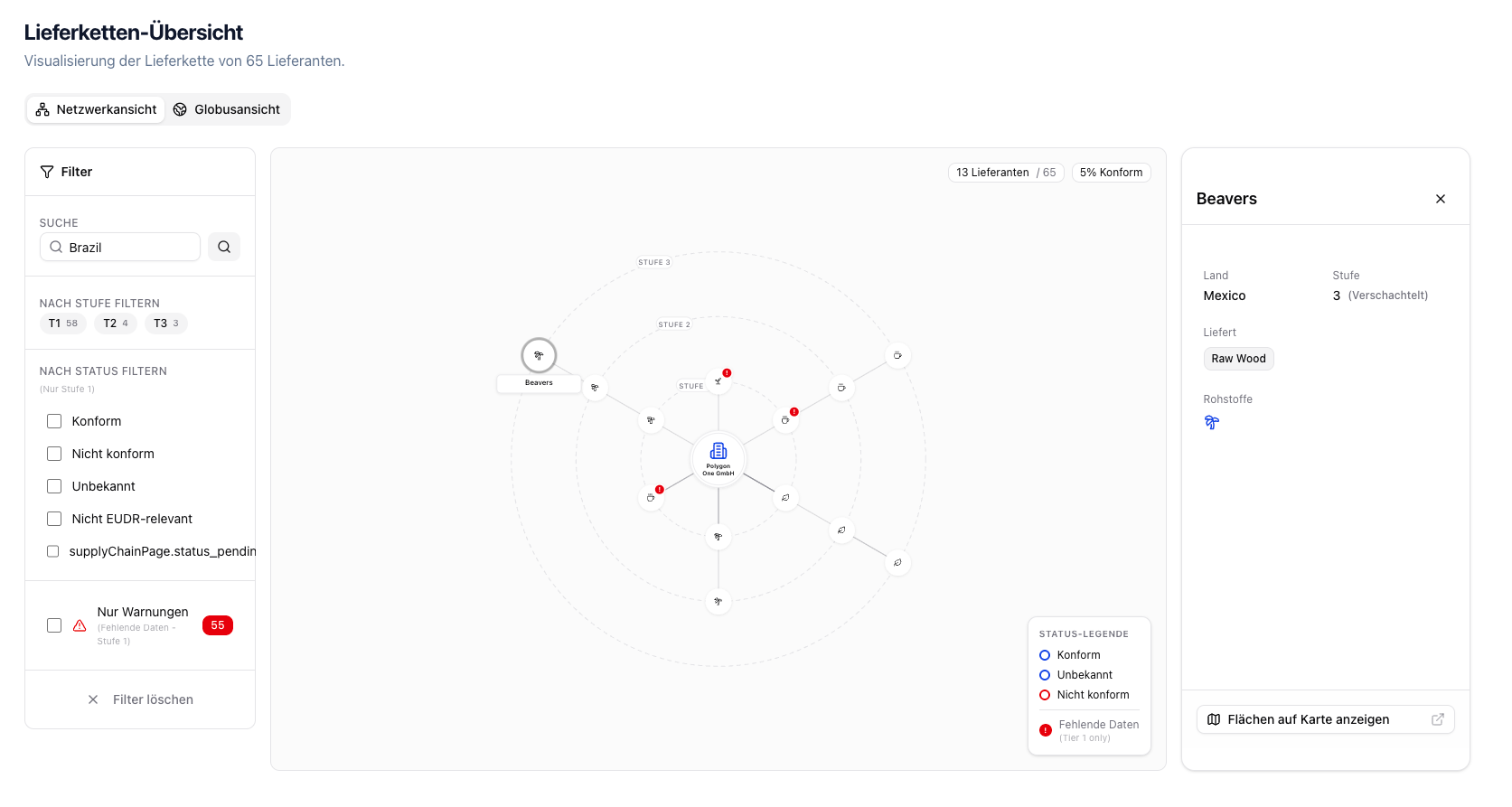
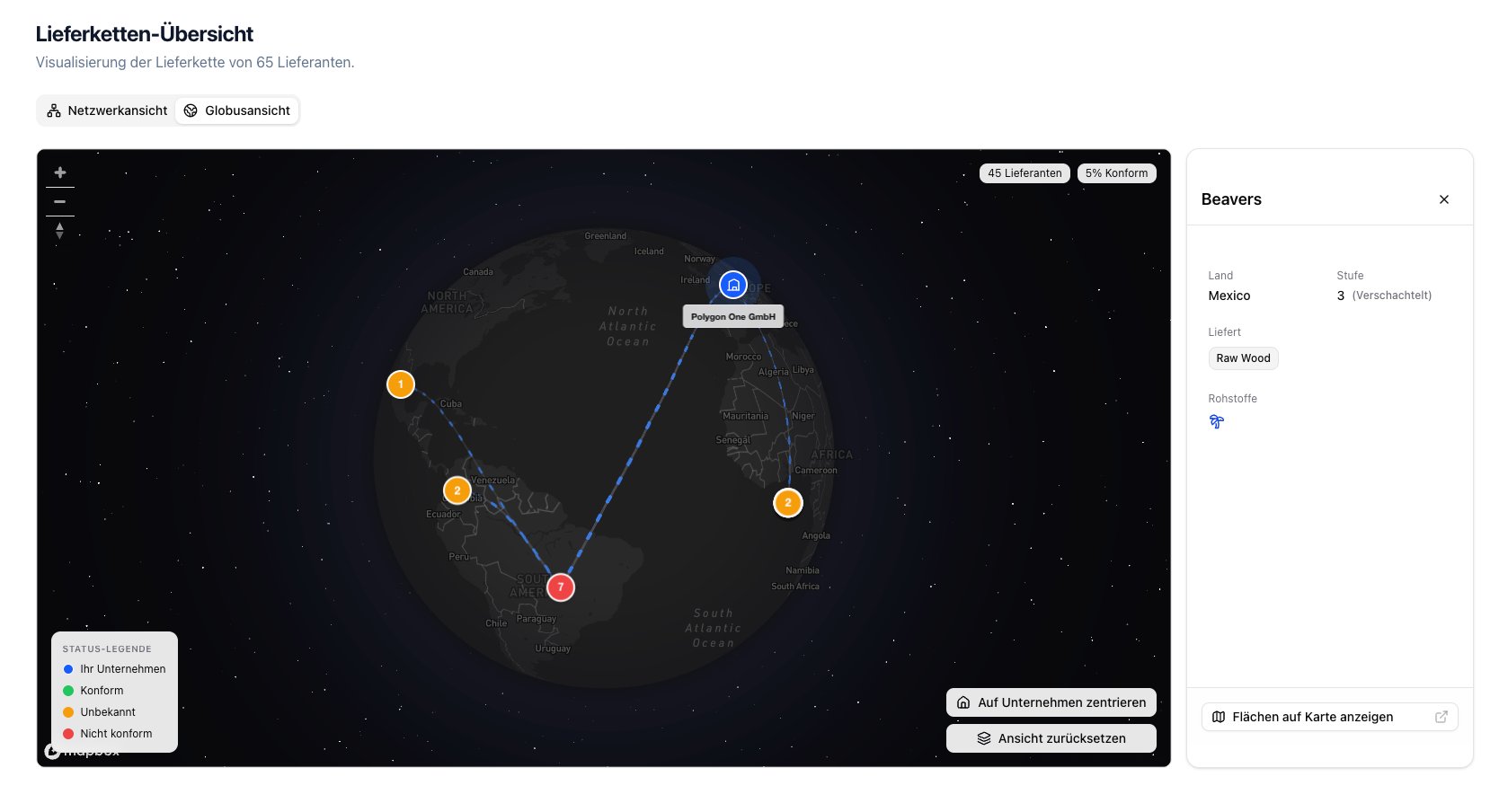
Polygon One offers two visualization modes:Network view
Shows your supply chain as an interactive network with your company at the center and suppliers across various tiers.
Globe view
Shows all supplier locations on an interactive world map, grouped by country.
Features
- Supply chain tiers — Tier 1 (direct suppliers), Tier 2+ (sub-suppliers)
- Compliance status display — Compliant, Non-compliant, Unknown, Not EUDR-relevant
- Data completeness — Geo data, questionnaire, and legal documents per supplier
- Filters — Filter by search term, article, tier, status, action required, or open update requests
- Supplier details — Click a supplier for details on country, compliance, commodities, and data completeness
- Actions — Contact suppliers or request an update
Status Legend
| Color | Status |
|---|---|
| Green | Compliant |
| Red | Non-compliant |
| Gray | Unknown / Missing data |
The supply chain view is an overview feature that is especially useful for complex supply chains with multiple tiers.
Supplier Detail
When you select a supplier, the detail card shows, among other things:- Compliance checklist for questionnaire, geo data, and legal documents
- Invitation and update status
- Affected articles and commodities
- Direct actions such as Contact supplier and Request update