

Account Creation
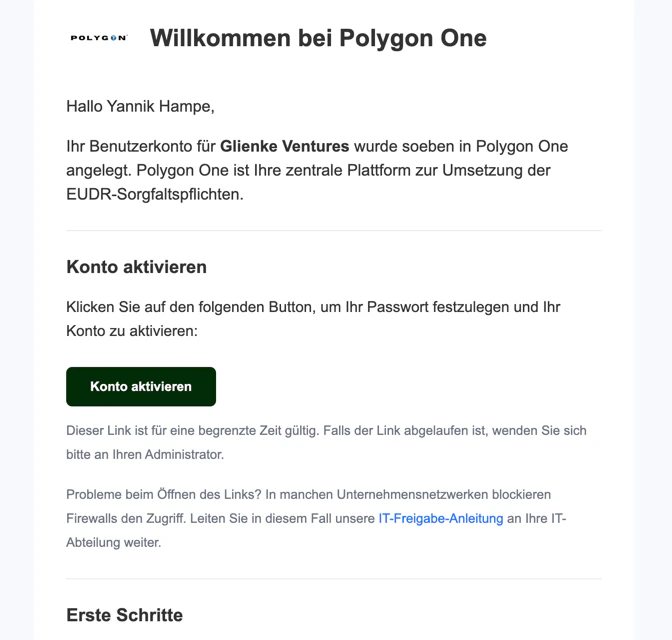
Your company account with Polygon One is created for you by the Polygon One team. You will receive an invitation by email with which you can log in to the platform.You do not need to register yourself. The Polygon One team sets up your account and ensures that all necessary settings are configured correctly.
What Is Set Up?
During account creation, the following information is recorded:- Company name and legal details
- Address (street, postal code, city, country)
- Email and contact person
First Steps After Logging In
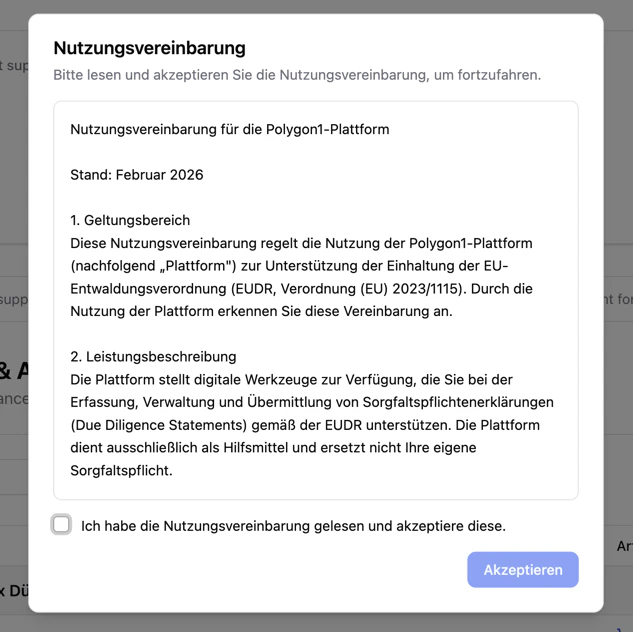
Settings
Under Settings, you will find the following areas: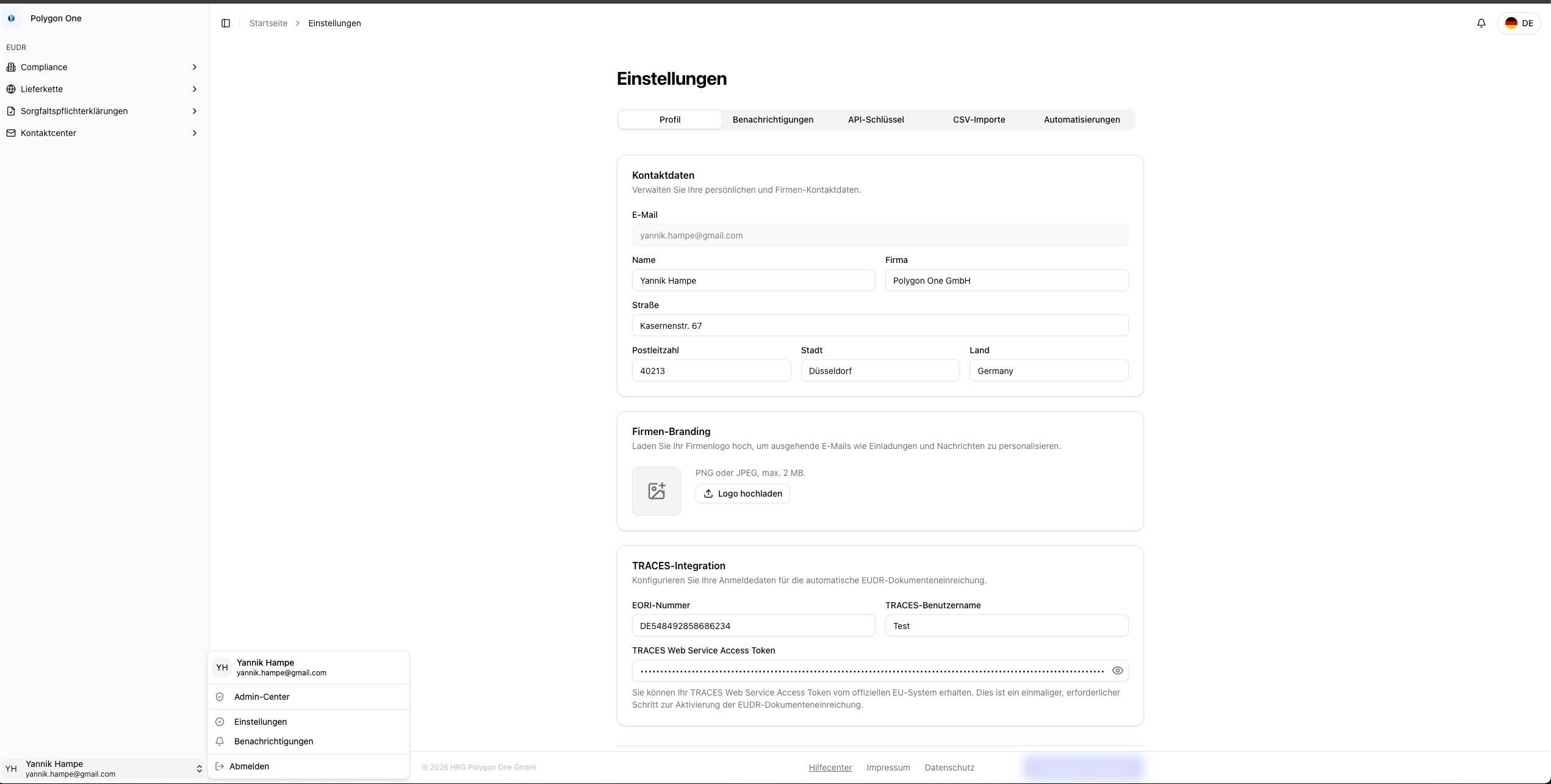
| Area | Description |
|---|---|
| Profile | Contact details, TRACES integration, EORI number, company branding |
| Notifications | Configure email and in-app notifications |
| API Keys | Create and manage API access tokens for ERP integration |
| CSV Imports | Configure column mapping for article, supplier, order, plot, and bill-of-materials imports |
| Automations | Configure automatic DDS assignment and creation |
If you need changes to your company data or have questions about the setup, contact the Polygon One support team.