

Overview
The Supply Chain Overview page provides a visual overview of your entire supply chain, including all suppliers and their compliance status. It is particularly useful for quickly identifying blocking suppliers, open data gaps, and traceability gaps.Views
Polygon One offers two visualization modes:Network view
Shows your supply chain as an interactive network with your company at the center and suppliers across various tiers.
Globe view
Shows all supplier locations on an interactive world map, grouped by country.
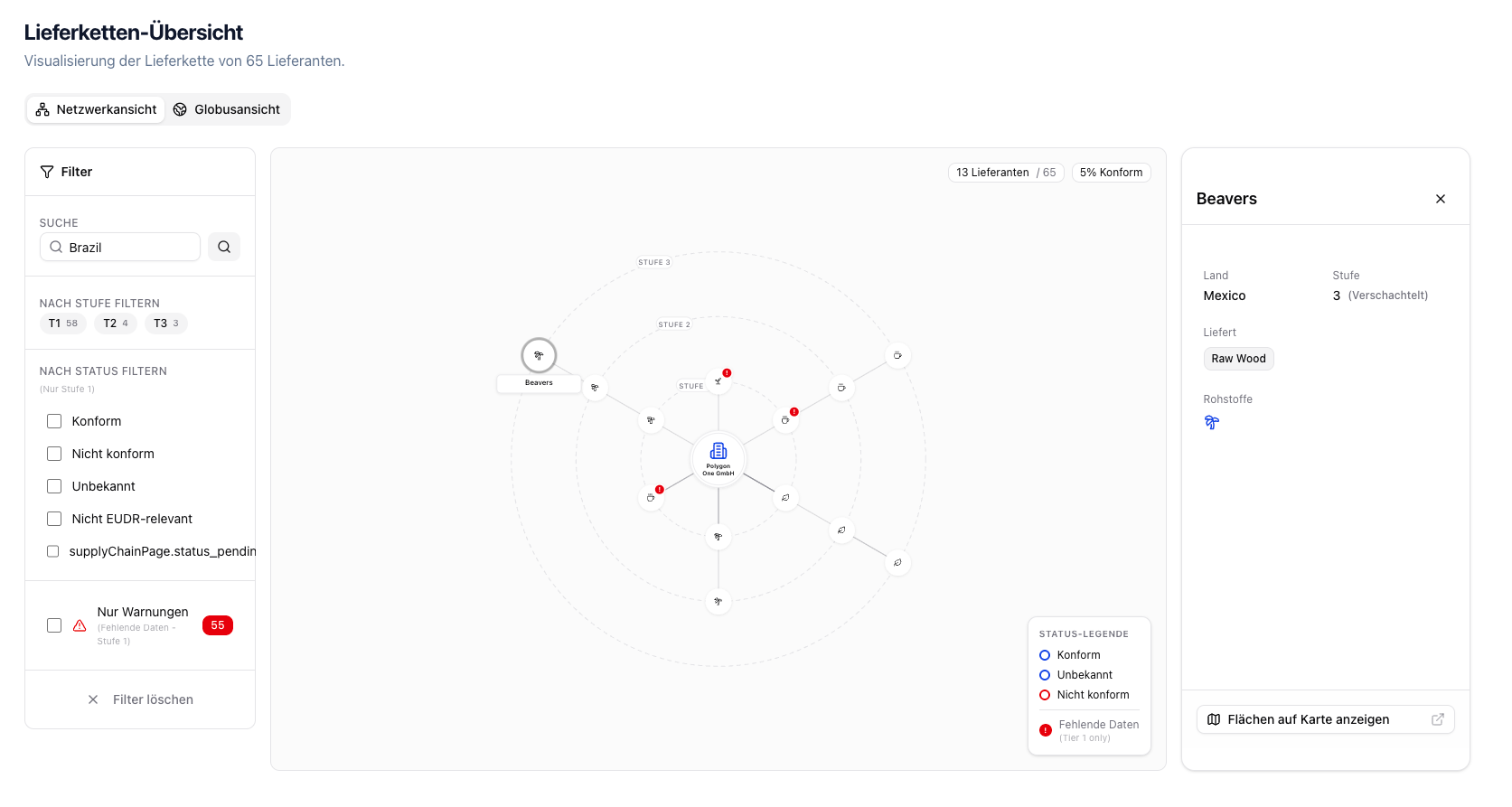
Network view of the supply chain
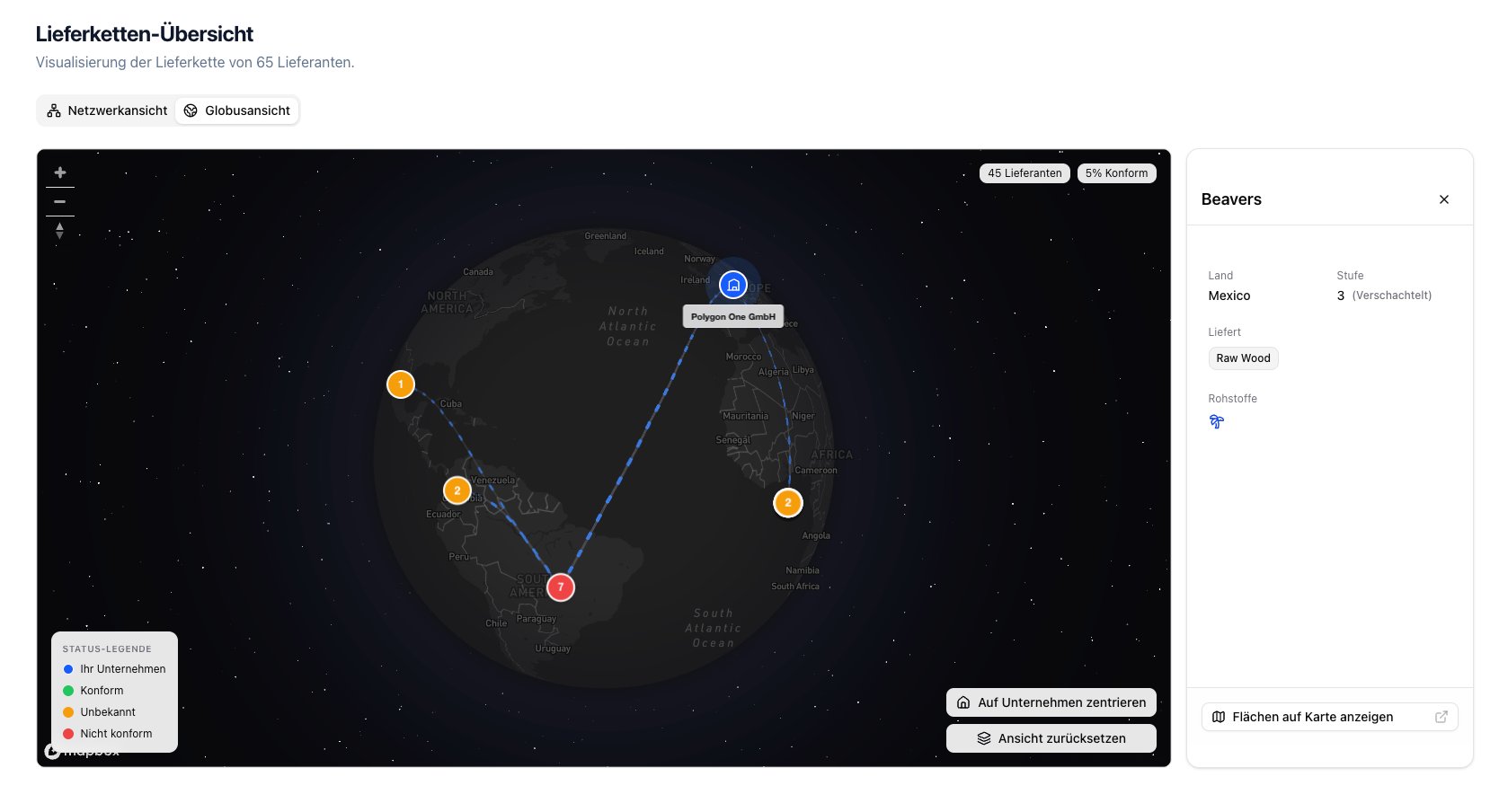
Globe view with supplier locations
Features
- Supply chain tiers — Tier 1 (direct suppliers), Tier 2+ (sub-suppliers)
- Compliance status display — Compliant, Non-compliant, Unknown, Not EUDR-relevant
- Data completeness — Geo data, questionnaire, and legal documents per supplier
- Filters — Filter by search term, article, tier, status, commodity group, or action required
- Supplier details — Click a supplier for details on country, compliance, commodities, and data completeness
- Actions — Contact suppliers or jump directly into the open compliance gaps of the affected category
Status Legend
The network view’s Status Key has three rows, in this order:
Below them the legend explains two further node markers: the red number stands for Open Issues, the dashed outline for Anonymized.
Suppliers with the status “Not EUDR Relevant” have no legend row of their own. Their nodes are drawn grey and are visible while no status filter is set. As soon as you pick a status — through the legend or the filter panel — they are hidden; the only way to show them deliberately is the Status filter, which lists every individual status. The status filter applies to tier-1 suppliers — the filter panel says so as (Tier 1 only) under its heading.
The supply chain view is an overview feature that is especially useful for complex supply chains with multiple tiers.
Supplier Detail
When you select a supplier, the detail card shows, among other things:- Compliance checklist for questionnaire, geo data, and legal documents
- Invitation status
- Affected articles and commodities
- Direct actions: Contact supplier and the jump into the open compliance gaps per category — requests to the supplier are sent from there (see Supplier Requests)